Create your first project and add keywords
A step-by-step walkthrough for creating a project, adding URL + keyword + region, and matching it against your plan limits before the first crawl.
Frequently asked questions, grouped by topic.
A step-by-step walkthrough for creating a project, adding URL + keyword + region, and matching it against your plan limits before the first crawl.
Every keyword has a region field deciding whose Google answers. Here is how to use it right for local businesses, exporters, and multi-market SaaS.
Four Plan Usage signals that mean you are ready to upgrade, three signals that mean you are not, and the 60-second ROI math to apply.
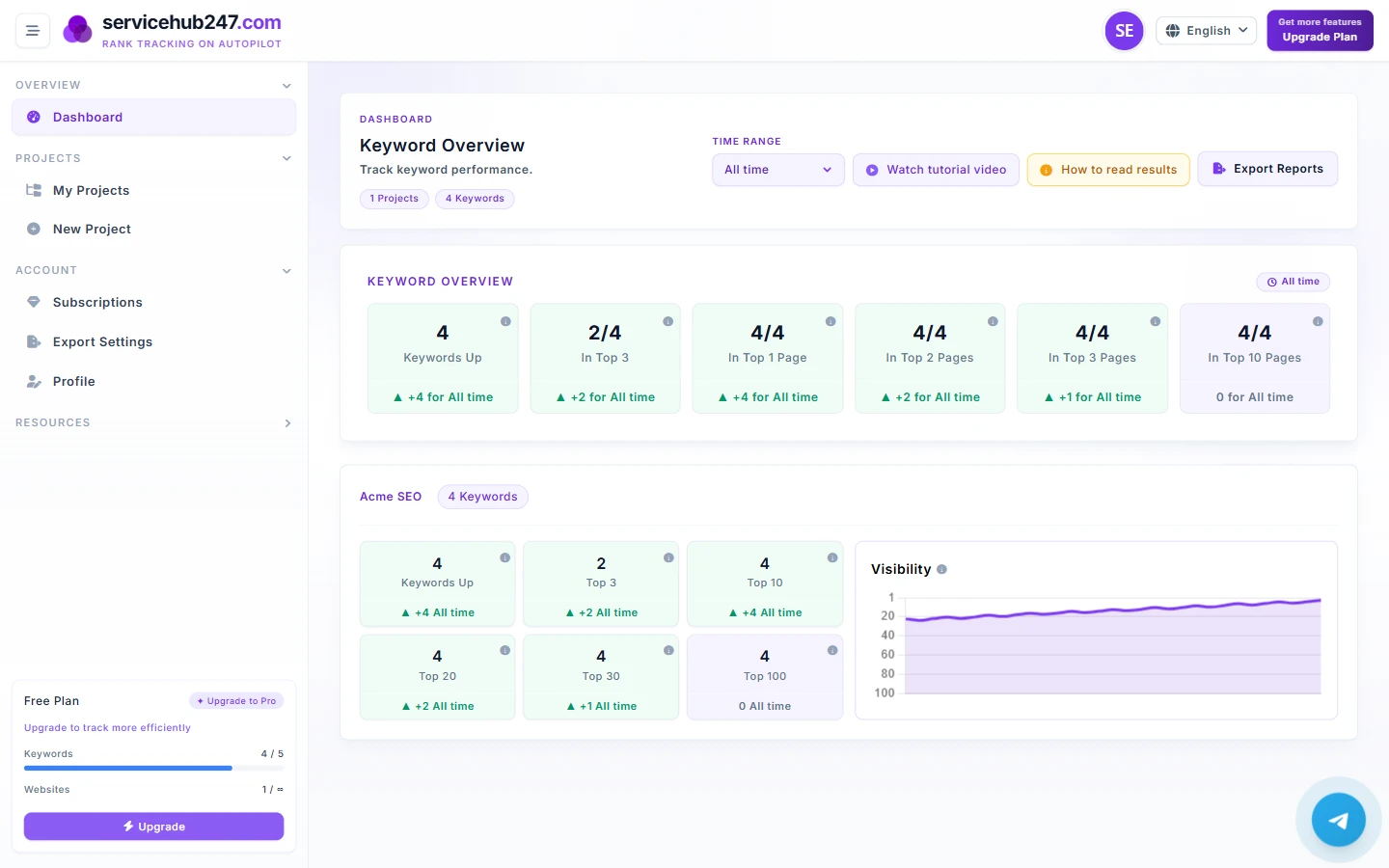
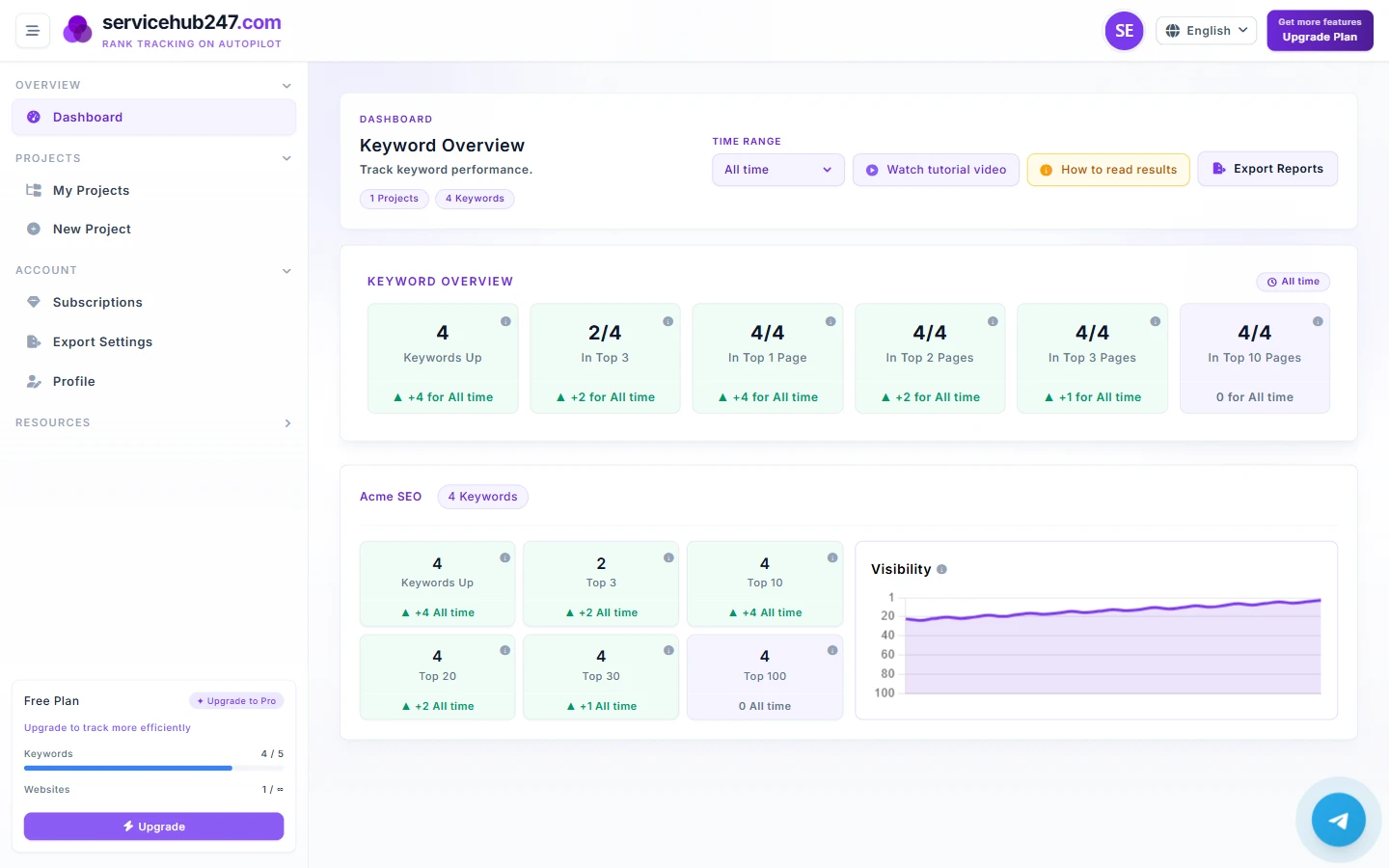
A field guide to every metric on the Servicehub247 dashboard - what each KPI counts, how net change is computed, and how to act on it.
Each Overview card counts something different. This guide walks card-by-card - what it counts, the formula, edge cases, and how to react when ▲ or ▼ flips.
Yesterday, This week, Last month, 6 months, Last year, or All time - each answers a different question. Here is when to use which.
Each delta badge under a KPI card is computed as "latest position vs first position inside the window". Here is the exact formula and 5 ways people misread it.
The Visibility chart on each project looks simple but is packed with information. Read the line, the inverted Y-axis, and know when flat is healthy.
Same six KPIs but Overview aggregates the whole workspace while project cards scope to one project. Here is when to trust each.
Open a keyword and you see a timeline, SERP page, ranking URL, and title. Here is what each field means - especially when the ranking URL changes.
Servicehub247 positions often differ from GSC. Not a bug - two systems measure differently. Here is why and which to trust for each decision.
Every morning you receive a digest of rankings that moved in the last 24h. Here is what each section (UP/DOWN/NEW/LOST) means and rules for acting.
A 30-minute SEO review routine you can apply immediately as in-house or agency. The tab order, the questions, the templates for stakeholder updates.
As portfolios grow, one-by-one stops working. The system has two bulk operations - bulk delete and move-to-project. Here is how to use each.
Servicehub247 PDF Export gives you raw data. Here is how to present client reports beyond the PDF: structure, language, and the top paragraph that decides everything.