The Region field on each keyword decides whose Google answers when the crawler checks your ranking. It sounds like a tiny detail - but the wrong region is the root cause of every "the dashboard says I rank 8 but my customers see me past page 3" support ticket. This guide covers using it right for three different business types.
What region does, and why it matters
Region takes a 2-letter country code (us, uk, au, jp, vn...) and passes it to Google as the location parameter. For the same query, two regions can return:
- Different result sets (Google favors local sources)
- Different ad density (which pushes organic positions down on real screens)
- Different Knowledge Panels and Map Packs (which eat SERP real estate)
The ranking can drift 10–30 positions between regions. That's not a bug - that's how Google works.
Default behavior if you leave it blank
If you don't fill region when adding a keyword, the system uses vn by default. Fine for most Vietnamese users, but if your customers aren't in Vietnam, you've planted a silent bug you'll have to fix later.
Strategy for 3 business types
1. Vietnam-only business
Simplest case: every keyword → vn. Don't overthink it.
One thing to note: if you have a customer segment of overseas Vietnamese, they still search in Vietnamese but from regions like us, au, de... Most Vietnamese businesses should not track those regions separately - the segment is too small to justify dedicated SEO investment.
2. Export / B2B multi-market business
Example: you sell handcrafts to buyers in the US, Australia, Japan. Rules:
- Each target market = its own keyword set with the correct region. The same product might have three keywords: "handcraft décor wholesale" (us), "handmade décor supplier" (au), "ハンドメイド 装飾 卸売" (jp).
- Split into multiple projects rather than one project with mixed regions. KPIs stay clean for per-market reporting.
- Don't use the same target URL across regions if your site has localized versions. /en/ targets us/au; /jp/ targets jp.
3. SaaS with a single English website
The hardest case - one English site serving global users with no country-specific content. Advice:
- Pick 3–5 priority markets (by revenue or TAM). Don't track 50 regions - management cost exceeds value.
- Track the same keyword in multiple regions: "rank tracker for agencies" should have three entries for us, uk, au. Each is a separate row.
- Compare KPIs across regions: if you rank 5 in us but 25 in au, you likely need local signals (Australian case studies, local citations, edge CDN in the region).
Common mistakes
- Setting region by where your company is instead of where your customers search. A Vietnamese startup selling SaaS to US buyers should track us, not vn.
- Leaving region blank for English keywords. Default vn applies - Google VN's results for English queries differ massively from Google US. Data is meaningless.
- Too many regions in one project. The Overview averages across regions - "Top 10" loses meaning. If multiple regions are needed, split projects.
- Changing region on a keyword with long history. The old reference points no longer make sense (rank in the old region is a different number game). Better: delete the old keyword and create a new one with the right region.
Region and the Visibility chart
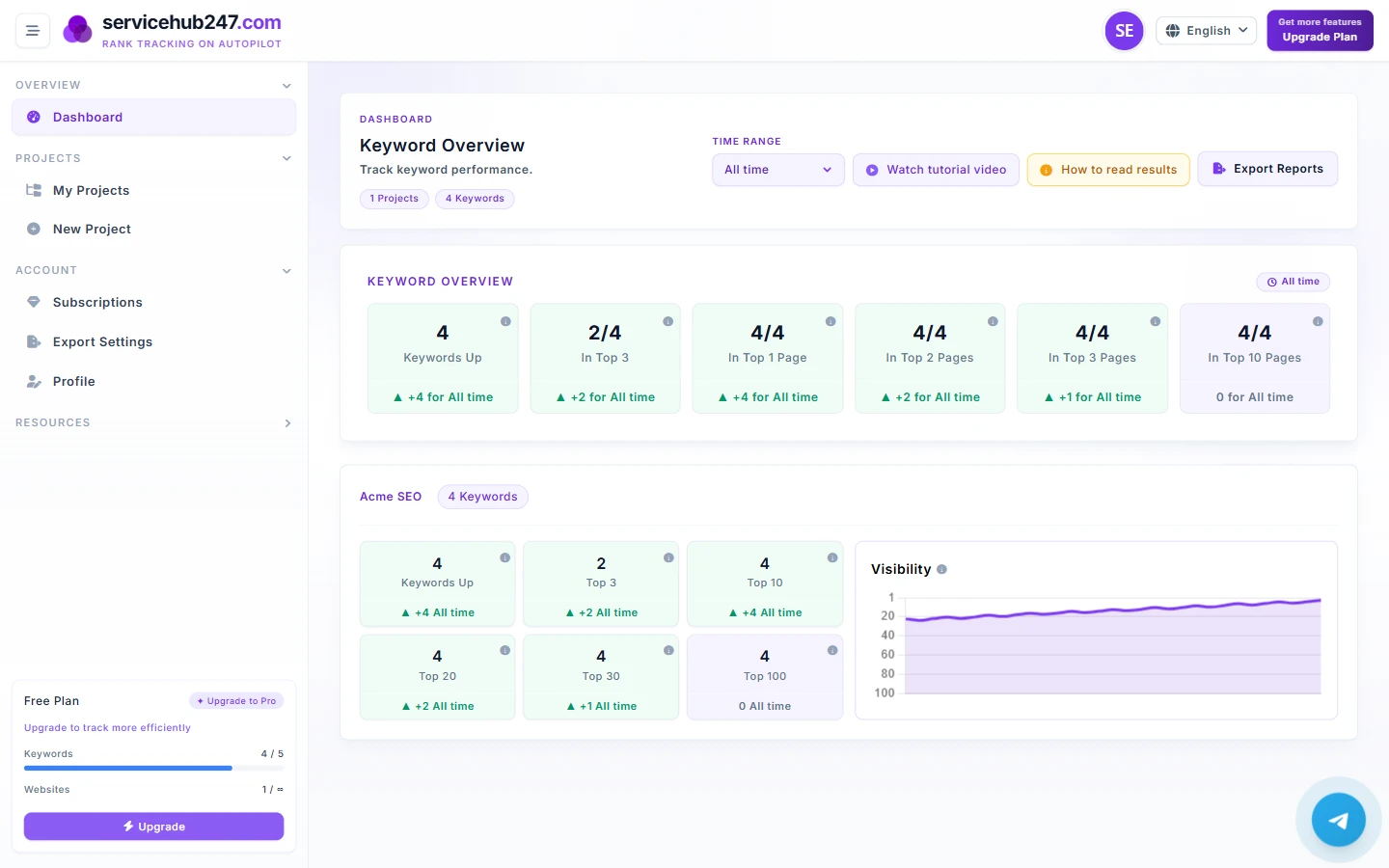
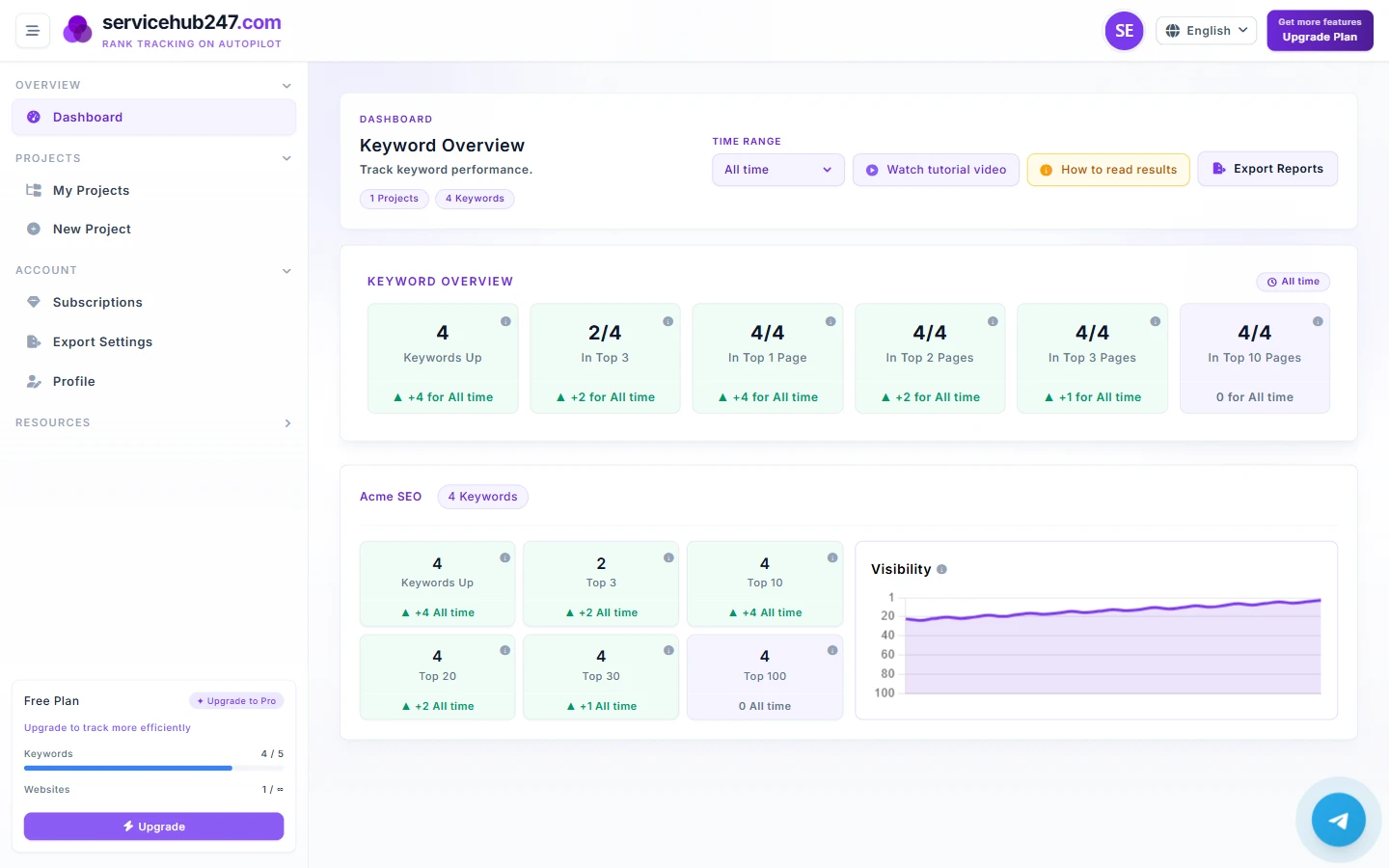
The Visibility chart on a Project card plots the daily average position of all keywords in that project, regardless of region. If you mix vn and us keywords in one project, the line is an average of two markets and means nothing for either. Another reason to split projects by region when you need separate analysis.
Commonly used region codes
- vn - Vietnam
- us - United States
- au - Australia
- uk - United Kingdom
- jp - Japan
- sg - Singapore
- th - Thailand
- id - Indonesia
- de - Germany
- fr - France
Codes follow ISO 3166-1 alpha-2. For any other country, just enter the correct 2-letter lowercase code.