Below 50 keywords, working one-by-one is fine. Past 500, one-by-one is the fastest way to quit. Servicehub247 has two bulk operations to handle this: bulk delete and move to project. This guide explains each one and the 5 situations where you should reach for them.
Bulk Delete - remove many keywords at once
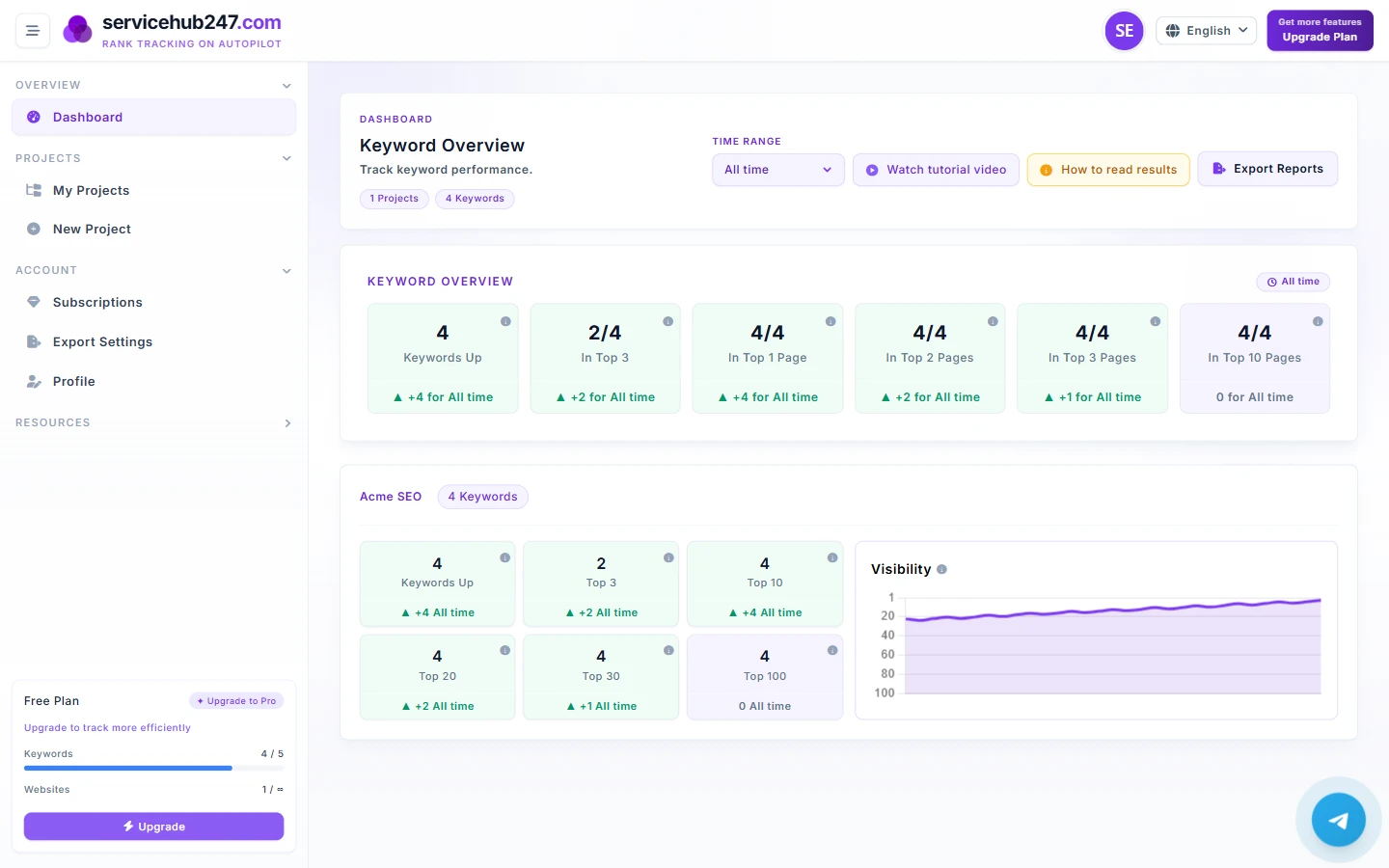
Feature: tick checkboxes on multiple keywords, hit delete. The keywords disappear from Dashboard, KPIs, and quota usage immediately — there is no undo, so confirm carefully before pressing it.
3 situations to bulk delete
- Cleanup after a pilot: you tested 200 long-tail keywords over 2 months and clearly only 30 are worth keeping. Select the other 170, bulk delete.
- Over plan limit: you're on a 100-keyword plan but added 130. The 30 surplus are paused (no new data). Bulk delete the low-priority ones to let the system resume crawl on the remaining 100.
- Product strategy pivot: company shut down product line A. All A-related keywords are now meaningless. Bulk delete instead of leaving them as KPI noise.
Move to Project - relocate keywords between projects
Feature: select keywords, pick a destination project, system updates project_id for all of them. Ranking history is preserved - keywords just "move house".
Endpoint: POST /keywords/move with ids[] array and project_id.
Validation: all keywords must belong to your account, and the destination project must too - no cross-user data leakage.
2 situations to use Move
- Project restructure: you originally lumped 3 brands into one "all-websites" project. Now KPIs are distorted. Create 3 new brand projects, move the matching keywords over.
- Project ownership handoff (agency): client A's work gets reassigned to a new team that wants its own project. Move client A's keywords into "Client A - Team 2".
Important warnings
Warning 1: Move doesn't recalculate history
When keywords move to a new project, history travels with them. The destination project's Visibility chart backfills - sometimes producing apparent "spikes" or "dips". This is correct behavior, not a bug.
Warning 2: Bulk delete updates Plan Usage instantly
After bulk delete, used_keywords drops immediately. If you had paused-over-quota keywords, the system will resume crawling them in the next cycle (within 5 minutes). No further action needed.
Warning 3: No "undo" for either operation
Both bulk delete and move have no undo. If you delete by mistake, the keyword must be re-added from scratch and the history is gone. If you misroute, the only fix is to move them back. So before bulk delete or moving >50 keywords, export the current portfolio (XLSX) as a backup mapping.
Recommended weekly cleanup routine
- Monday: review the Daily Ranking digest, note keywords LOST for 7+ consecutive days.
- Wednesday: filter keywords with average position >80 over the last 30 days - almost no chance of cracking Top 30 in the near future.
- Friday: bulk delete the items identified above. Free quota for keywords actually worth investing in.
This routine keeps the portfolio "clean" and KPI signal strong - not diluted by no-hope noise.