Upgrading on Servicehub247 isn't automatic when you blow past your limit - the system pauses crawl on the surplus and emails you a warning. The decision is entirely yours. This guide gives you four clear signs you should upgrade, three signs you shouldn't, and a quick ROI math you can do in 60 seconds.
Open Plan Usage first
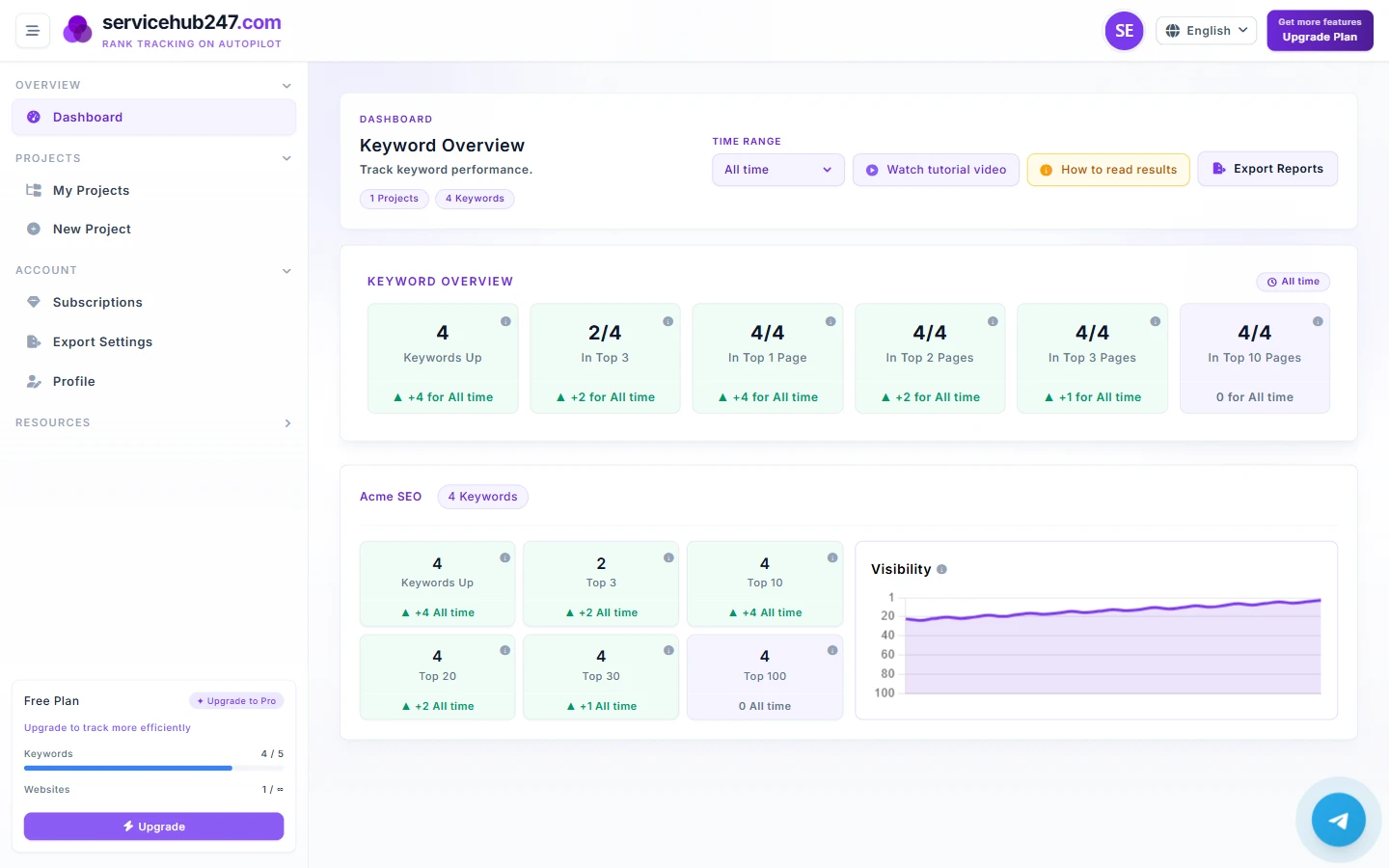
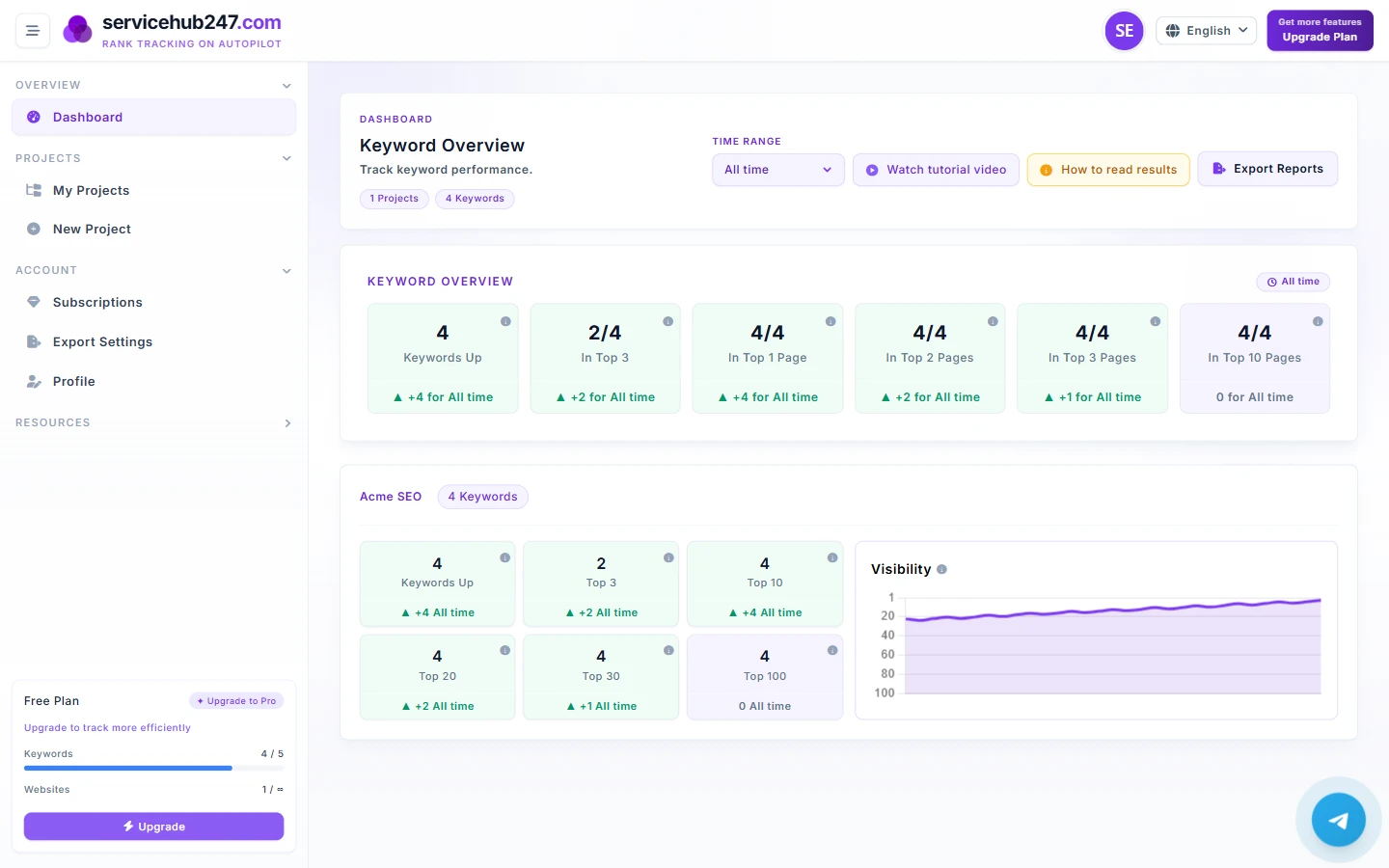
In the dashboard sidebar (or the Subscriptions page), you see four metrics:
- used_keywords / keyword_limit - how many keywords used vs. allowed
- used_websites / website_limit - how many unique domains used vs. allowed
- update_frequency - daily / weekly / monthly
- Feature flags: rank_alerts, export_reports, api_access, priority_support
4 clear "you should upgrade" signs
Sign 1: Used keywords ≥85% of limit and still growing
If you're at 85/100 and adding 5 per week, you'll hit the ceiling in three weeks. Upgrading before the cap is safer than emergency-pruning your existing list.
Sign 2: Hit the website limit but you're still onboarding domains
You're on a 3-website plan, have 3 clients, and just signed a 4th. There's no way to add a new domain without upgrading. The clearest signal.
Sign 3: update_frequency = monthly but the portfolio is growing fast
Monthly crawl means you see ranking changes only once every 30 days. During launch or growth, that's too slow to react to either crises or opportunities. Upgrading to weekly or daily cuts your "time to detect" from 30 days down to 1–7.
Sign 4: You need client reports but the plan lacks export_reports
If you're an agency or consultant, exporting XLSX/PDF is a mandatory feature, not nice-to-have. Upgrade is a business cost, not a tool cost.
3 "don't upgrade yet" signs
Sign 1: Used keywords at 30–60% of limit
Room to grow. Save the money, route the budget into content/links.
Sign 2: You're still validating whether SEO is worth investing in
If you're in the "should we even commit to SEO?" phase, the smaller plan gives you enough data to decide. Upgrade after 60–90 days of data and a clear ROI signal.
Sign 3: You're over the limit because of noise, not strategy
Before upgrading, check: are the 30 lowest-volume keywords in your portfolio actually worth tracking? If pruning them brings you from 130/100 to 100/100, no upgrade needed. This is usually cheaper than upgrading and improves your KPIs visually too.
The 60-second ROI calculation
Before clicking upgrade, ask: how much extra revenue per month does this upgrade secure or unlock?
- Agency case: upgrade A$100/month for export_reports → retain a A$2,000/month client. Positive ROI. Upgrade now.
- E-commerce case: upgrade weekly→daily to detect rank drops earlier. If each Top 3 keyword brings 50 orders/month at A$30 avg, what's the value of catching a drop 5 days sooner? If 5 days saves 20% of monthly traffic, the upgrade pays itself.
- Personal blog case: upgrade is hard to justify unless the blog is monetized. Most bloggers should stay on free or starter.
When downgrading beats upgrading
Sometimes the answer points the other direction - you're on a higher tier than you need:
- Portfolio has stabilized; you only track 30/100 keywords.
- You don't use api_access (no integration in place).
- Daily crawl is overkill - portfolio is stable, weekly is enough.
Downgrading saves cash immediately without losing historical data. Re-upgrading later is just as easy.
Subscription state notes
Upgrade mid-cycle: prorated for the remaining period. Downgrade: takes effect on the next renewal - you keep current features till end of cycle. Cancel: status flips to cancel_scheduled, stays ACTIVE until end_date.