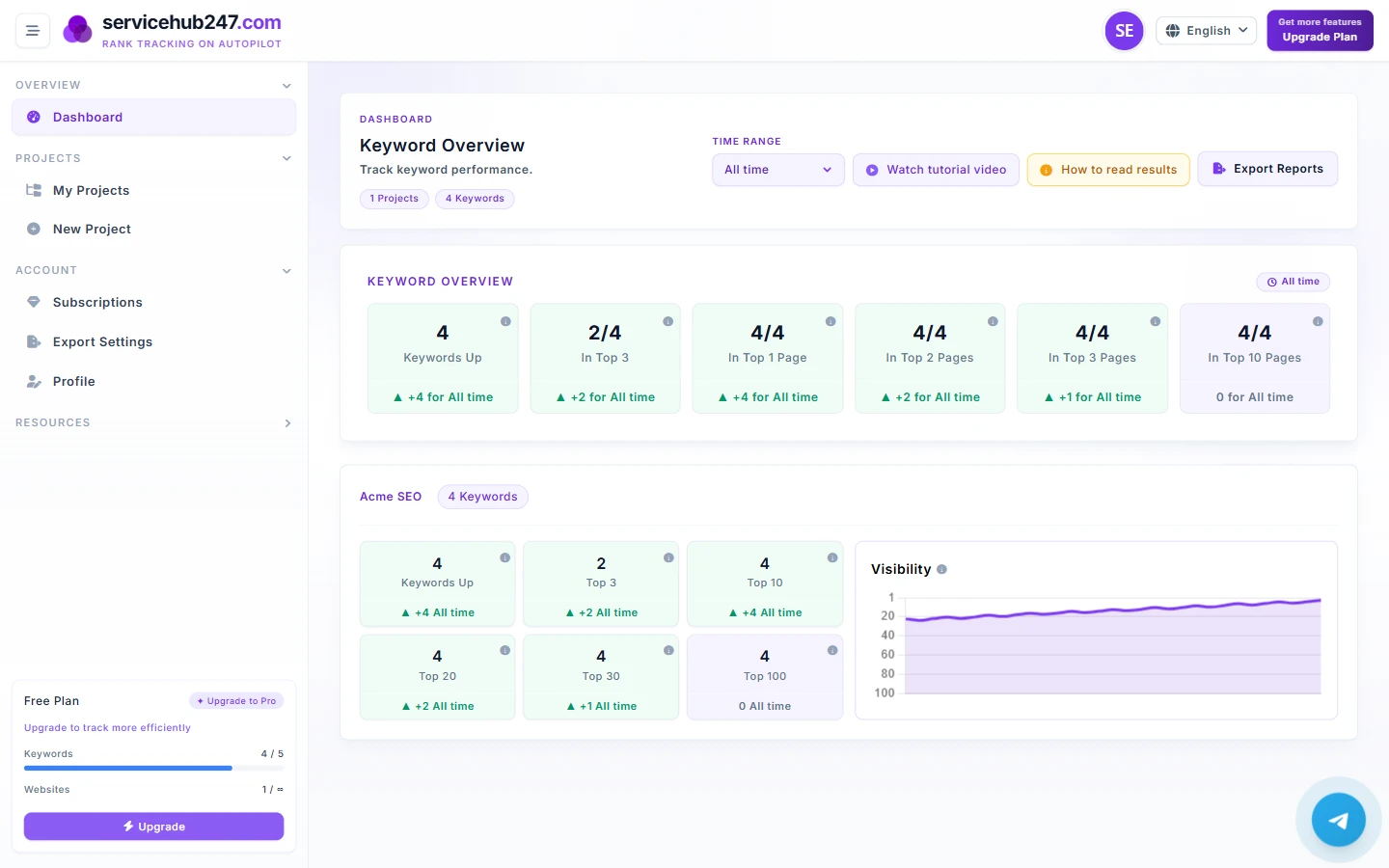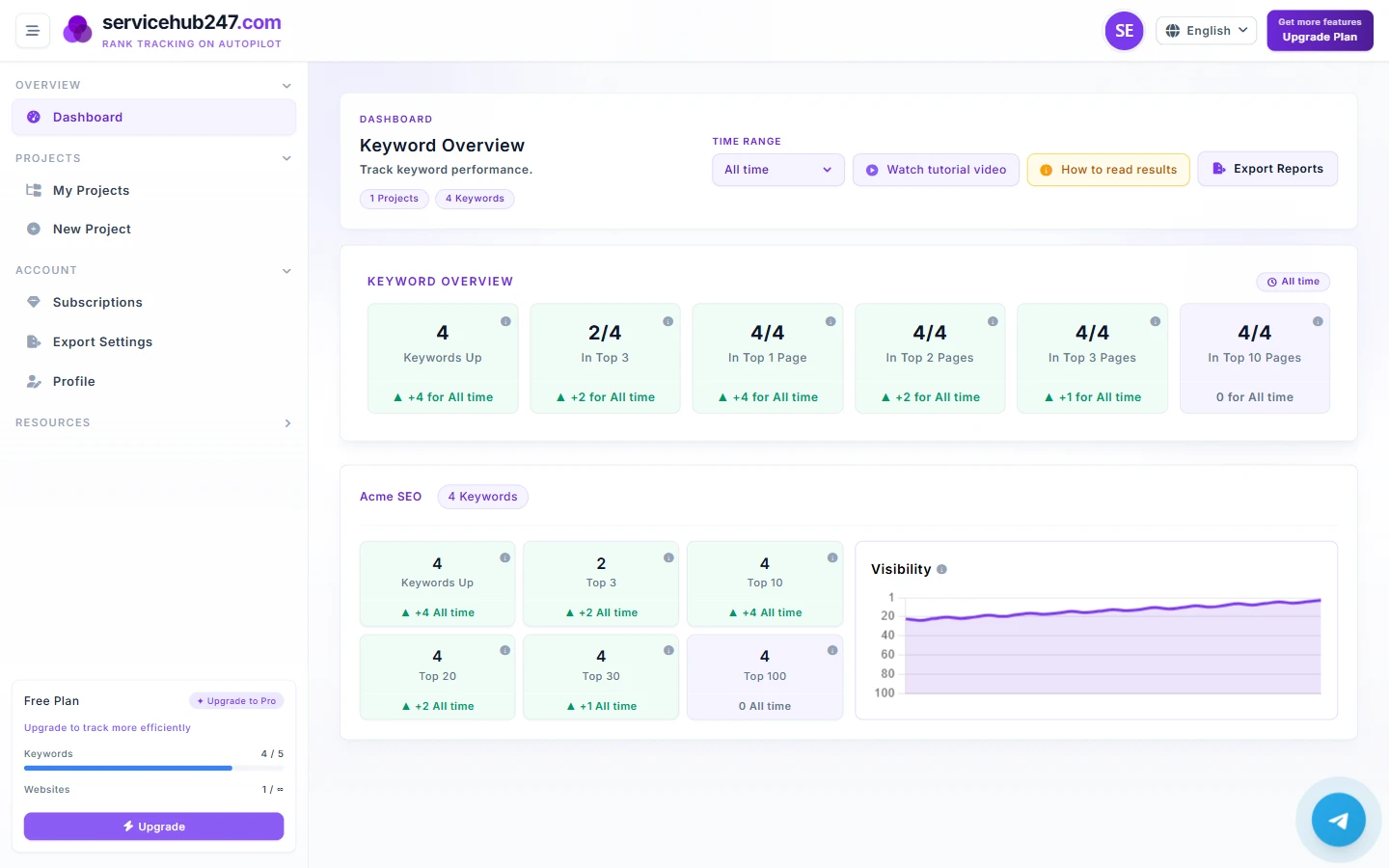
Servicehub247's PDF Export hands you clean data - keyword positions, deltas, history. But a data file isn't a report. Clients (especially non-SEO clients) need a story, not a spreadsheet. This guide turns a raw PDF export into a real client report in 20 minutes.
2 PDF types Servicehub247 exports
- Project rankings (tabular PDF): snapshot of all keywords in a project with current position, start position, deltas 1d/7d/30d/lifetime, SERP page, ranking URL, status.
- Single keyword history (timeline PDF): full per-day history for one keyword - position, SERP page, change vs. previous, page title.
Both support white-label branding (your logo, company name, footer text) - set this up in Export Settings before sending the first PDF.
Why raw files aren't reports
The client opens your PDF, sees 100 rows of numbers, and the first reaction is "so what does this mean?". If you don't answer that question before sending, the client will conclude on their own - usually negatively (a few red deltas weigh more than many green ones in their head).
A good client report has 3 layers: summary (for someone who reads only 30 seconds), analysis (for someone who reads 3 minutes), data (the attached PDF).
The 3-part weekly report template
Part 1: Executive Summary (3–5 lines)
This goes in the email body or first page. Answer 3 questions:
- Was this week overall good or bad? (1 sentence)
- What's the most important highlight? (1 sentence with concrete numbers)
- What will you do next week? (1 sentence)
Real example: "This week the portfolio improved - Top 10 grew from 18 to 21 keywords (+3, +17%). Highlight: 'RO water filter' broke into Top 3 for the first time, unlocking ~2,000 clicks/month potential. Next week I'll focus on optimizing landing pages for the 4 keywords sitting at position 11–15 to push them onto page 1."
Part 2: Detailed Analysis (5–8 paragraphs)
Each paragraph 2–4 sentences, one topic per paragraph:
- Notable UP keywords - why they moved (which deploy, link, content)
- Notable DOWN keywords - root cause + plan
- New keywords with first rankings
- Actions completed this week (content published, links built, technical fixes)
- Actions planned for next week
Part 3: Data PDF attachments
Attach 2 files:
- Project rankings (PDF) - full portfolio table
- Single-keyword history for the 3–5 most important keywords - so the client sees long-term trajectory
Executive Summary writing rules
Rule 1: Use concrete numbers, not adjectives
Wrong: "There were significant improvements this week."
Right: "Top 10 grew from 18 to 21 keywords."
Rule 2: Don't hide problems
The client will eventually notice. A hidden report = long-term trust loss. Better: "3 Top 3 keywords dropped off page 1 this week (details in Part 2). I've identified the cause as X and the plan is Y." Clients trust proactive owners over those who hide.
Rule 3: Tie to business outcome
"Reached Top 3" isn't a result - "unlocked ~2,000 clicks/month potential" is. If you know the client's avg conversion rate (e.g. 2%) and avg order value (e.g. $30), you can project revenue impact - that's what stakeholders actually care about.
Configure branding before your first export
Go to Exports → Settings → Branding:
- Logo: upload a transparent PNG, ~400×100px recommended
- Company name: appears in the header of every PDF page
- Footer text: commonly "Confidential report for [Client Name] - not for distribution"
Set once - applies to every PDF export thereafter.
What cadence is reasonable?
- Weekly: agency default. Tight enough for agile clients.
- Bi-weekly: fits enterprise clients - enough time for mid-cycle action.
- Monthly: fits long-term stable accounts.
More important than cadence is consistency. Sending on Monday one week, Friday the next, then skipping a week destroys trust faster than just sending regular reports.