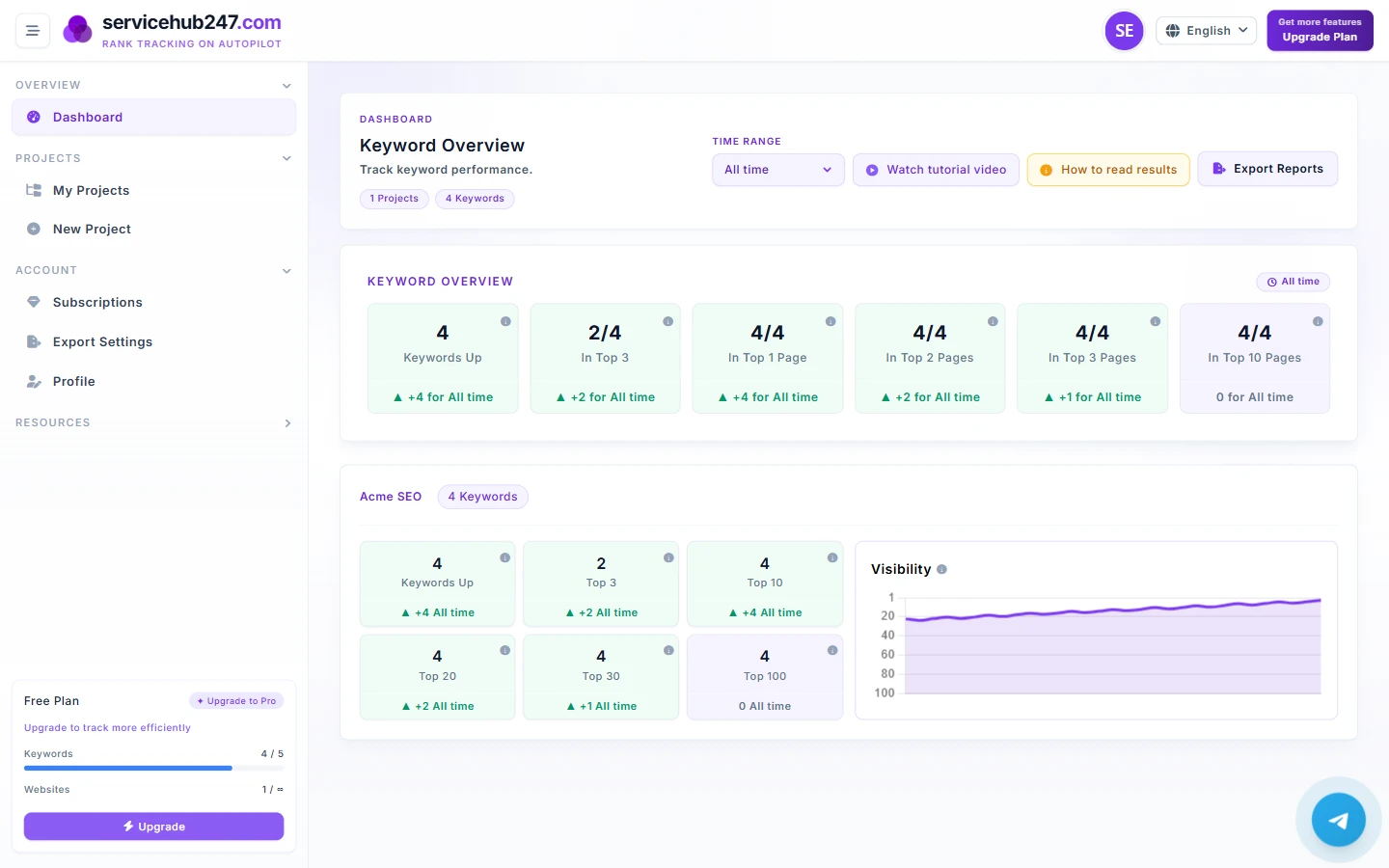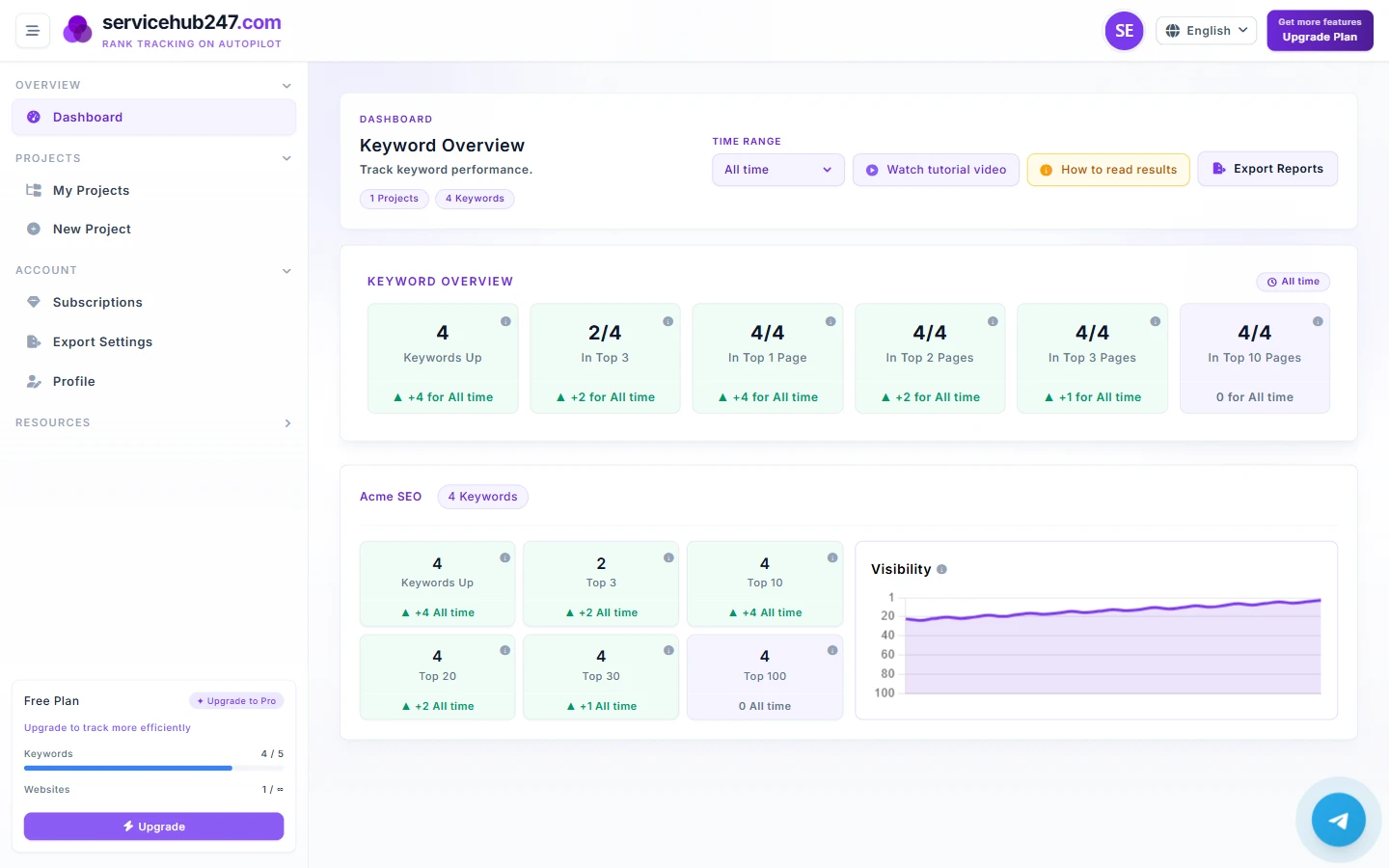
The Timeframe selector isn't just a "zoom in/out" control. It decides the reference point every delta badge (▲/▼) compares against - so picking the wrong timeframe means reading the data wrong. This guide explains what each option is good for.
The six available timeframes
- Yesterday - just the previous 24 hours
- This week - last 7 days
- Last month - last 30 days
- Last 6 months - last ~180 days
- Last year - last 365 days
- All time - full ranking history
The big numbers don't change - only deltas do
The most missed point. The large number on each KPI card (e.g. "12/45" in "Top 10") is always the latest snapshot - changing the timeframe doesn't change it. Only the delta badge underneath reacts, because it compares the latest position to the first position recorded inside the window.
When to use which
Yesterday - incident detection
Use right after a deploy, content push, or URL structure change. If something you shipped last night caused this morning's red ▼ in Top 3 / Top 10, that's your rollback signal - or your "check noindex/canonical immediately" signal.
Don't use Yesterday for trend analysis. One day isn't statistically meaningful.
This week - Monday standup
The most-used timeframe for SEO teams. Seven days is long enough to ignore Google's daily noise but short enough to trace causes back to specific actions (a new article, a fresh link, a technical fix). Use this for weekly standup reports.
Last month - campaign review
Ran a 4-week content/link campaign? This is the natural window to evaluate results. Also the default for handing status to non-SEO stakeholders - 30 days maps cleanly to business cycles.
Last 6 months - serious trend
The best window for answering "is our SEO going in the right direction?". Six months is long enough that algorithm noise blends into background, and short enough to still be strategically relevant. The default for leadership/CFO reports.
Last year - strategic review
Use for annual strategy reviews and planning next year. Don't confuse it with "total ROI" - the window is still trailing 12 months, not calendar year.
All time - only when you must
Useful in two scenarios: (1) a fresh account that doesn't yet have a month of history, (2) when you want "total gain since we started tracking". Don't use as default - the delta looks artificially good on young accounts and artificially bad if your past contains a slump you don't want to drag forward.
The practical rule: read in pairs
Never trust a single timeframe. Quick read order:
- Open This week first. If you see red ▼ → make note.
- Switch to Last month. Still ▼? Then it's real, not noise.
- Then check Last 6 months. If the long trend is also down → structural problem (technical, lost topical authority, or competitor pulled ahead).
Conversely, if This week is red but Last month is green, this is almost certainly normal algorithm noise. Wait 7 days before intervening.
FAQ
Does changing timeframe delete old data? No. Servicehub247 stores the full ranking history; timeframe is just a read filter.
How are keywords added mid-window counted? They're compared against the earliest data point inside the window, not against zero. So new keywords won't auto-show ▲ unless there's a real change.
What timeframe should a brand-new account use? Week 1: use Yesterday to monitor initial crawl speed. After 7 days, switch to This week. After 30 days, use Last month as your primary reporting window.