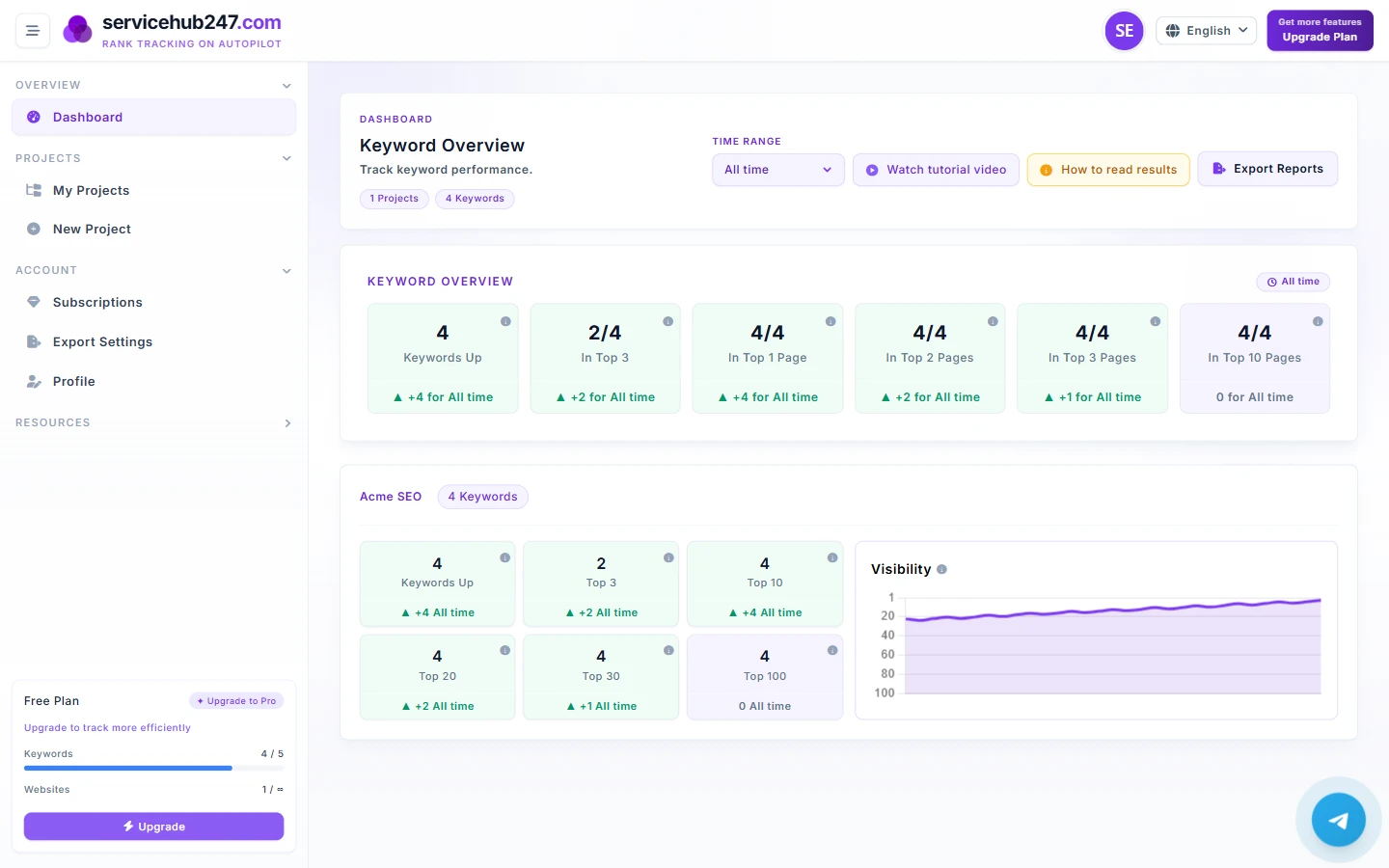
Every morning (around 5:55 UTC), Servicehub247 sends accounts with rank_alerts enabled an email summarizing every keyword that changed in the past 24 hours. The email is designed to be skimmed in under 60 seconds and produce a short action list. This guide explains each section and the rules for when to act.
Structure - 4 main groups
UP - keywords that improved
Latest position is smaller (better) than the previous one in 24h. Celebrate, but also use this to confirm hypotheses. If you published content or built a link last week for a specific keyword, this is where you verify it worked.
DOWN - keywords that declined
Latest position is larger (worse) than previous. The most important group to read carefully. Note: not every DOWN deserves a reaction - Google has 2–5 position daily noise for most keywords.
NEW - keywords ranking for the first time
A keyword just got crawled and entered the top 100. Includes:
- Keywords you added this week and got their first ranking
- Keywords that had been outside Top 100 and just broke in
LOST - keywords dropped out of Top 100
Previously ranked, now nowhere in the first 100. The most serious signal in the email. Typical causes: deindexed page, URL change without 301, content penalty, or full competitive overrun.
Prioritization rule when scanning
In your 60-second scan, work this priority order:
- LOST first. Each item here needs to be opened today to determine the cause. Don't let it slip into next week.
- DOWN on Top 3 or Top 10 keywords. Losing a position in Top 3 = real traffic loss; going from 9 to 11 means crossing from page 1 to page 2 = ~80% click loss.
- DOWN on Top 20–30 keywords. Usually noise. Wait 3–5 days; may self-recover.
- NEW. No action - just acknowledge. If many NEWs match keywords you just published for, that's confirmation.
- UP. Skim only. Don't dwell - humans over-weight good news.
The 24/7/30 rule for DOWN
Because DOWN is the trickiest distinction between "normal noise" and "real problem", apply 24/7/30:
- 24h: Dropped 1–3 positions but still in the same bracket (e.g. Top 10 → Top 10), do nothing. Wait.
- 7 days: Still DOWN after a week in the same bracket, open the keyword detail and look at the chart. If the line is flat at the new position → real change. Start investigating.
- 30 days: If still not recovered after a month, this is structural - not noise. You need a content + technical + competitor audit.
Empty email - is something wrong?
An empty email (zero items in all 4 groups) means no keyword changed meaningfully in the last 24h. This is normal for:
- Accounts with few keywords (<20)
- Stable portfolios
- Weekly/monthly plans - crawls are sparse, so fewer daily changes
If you're on a daily plan with >100 keywords and the email is consistently empty for many days, check: (1) is your subscription still active, (2) are your keywords over your website_limit (over-quota keywords get paused).
Turning off or filtering the email
Currently, the email is sent automatically to every account with rank_alerts enabled in their plan. To stop: downgrade to a plan without rank_alerts, or contact support. Per-project toggles are on the roadmap.